
Clear attendance.
A more focused team.
Selfie and location-based attendance, overnight shifts, employee history, and leave approvals—connected to your company dashboard.
Hello, team.
Ready for today's work.
Shift 1
07:00 — 15:00Check-in--:--
Check-out--:--
Illustrative interface with example data
The essentials, connected.
One employee app and a company workspace for authorized managers. Clear actions for employees, useful information for the team.
Attendance at the right location
GPS and geofence validation check attendance against your company's approved work locations.
Selfie and face verification
Employees capture a selfie. Face matching supports identity checks against their company enrollment.
Shifts, including overnight work
Company schedules and time zones guide check-in windows, lateness, and the active check-out session.
Leave with a clear approval flow
Pro supports one approval level; Business supports up to three. Supporting attachments are optional.
History that is easy to review
Employees see their calendar and attendance history. Authorized managers review attendance and reports.
One company, defined access
Each employee belongs to a verified company workspace, with access separated by membership and role.
A simple flow for both sides.
Confirm your plan and company settings, connect your team, then manage daily attendance through the app and dashboard.
Read the complete tutorial ↗- 01
Set up the workspace
Define your company, managers, locations and shifts.
- 02
Connect employees
Verify accounts and company membership; prepare face enrollment.
- 03
Run daily attendance
Employees check in/out; managers review history and requests.
Start small. Add capacity when needed.
Monthly catalog pricing. Confirm the plan, seat count and activation scope with the RETECH team during onboarding.
Free
A focused starting point for a small team.
- ✓ Up to 10 active employees
- ✓ 1 location · 1 shift · 1 manager
- ✓ Selfie, GPS and face verification
- ✓ Attendance history and basic CSV
- ✓ Help centre and email support
Pro
For teams managing attendance and leave.
- ✓ Employee capacity by purchased seats
- ✓ 3 locations · 10 shifts · 3 managers
- ✓ Core attendance and company dashboard
- ✓ Leave with 1 approval level
- ✓ Support during business hours
Business
More capacity and layered approvals.
- ✓ Employee capacity by purchased seats
- ✓ 10 locations · 30 shifts · 10 managers
- ✓ Core attendance and company dashboard
- ✓ Leave with 1–3 approval levels
- ✓ Priority support during business hours
Paid plans are billed by purchased attendance capacity. There is no mandatory block of 50 seats. Onboarding, custom work and integrations are quoted when needed. Advanced catalog items are confirmed by scope; downloading the app does not activate them automatically.
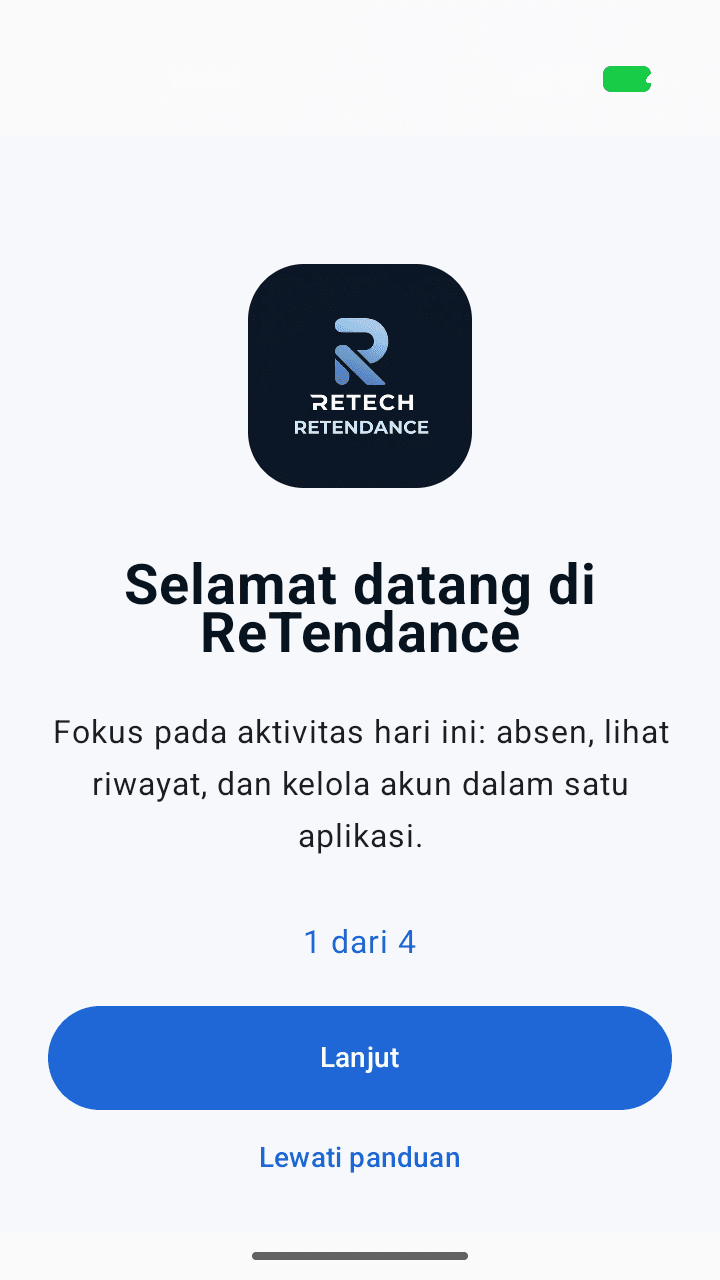
Help stays within reach.
A clear tutorial and public privacy resources support employees before and after they use the app.
Account deletion requests remain available through the public support process. Self-service availability follows the account page.User tutorial
Learn account access, attendance, company workspaces and daily use.
Open resource ↗ReTendance privacy
Read how account, photo, location and attendance data are handled.
Open resource ↗Account and data deletion
Find the request process without needing to log in or reinstall the app.
Open resource ↗Before you get started.
Is the Android app available?+
Yes. Download ReTendance through the official Google Play link. The app complements your verified company workspace; installing it does not automatically activate a paid plan.
How are paid seats calculated?+
A purchased seat provides attendance capacity for one active company membership. For example, 30 Pro seats cost Rp375,000 per month. Free's 10 seats are not deducted from paid-plan billing.
Are checkout and renewal automatic?+
Plan, seats and billing period are confirmed during onboarding. Payments currently follow the agreed quotation/invoice and verification process. This page does not initiate an automatic charge.
Does face verification guarantee that fraud is impossible?+
No. Face matching, location checks and device signals support attendance validation. They do not guarantee perfect anti-spoofing, and authorized staff can review exceptions.
Are daily reminders already available?+
Scheduled daily attendance reminders are not yet available. Notification permission is optional and declining it does not block core attendance features.
Make daily attendance easier to manage.
Tell us your team size, work locations and approval needs. We will help define a suitable starting point.
Discuss your company ↗